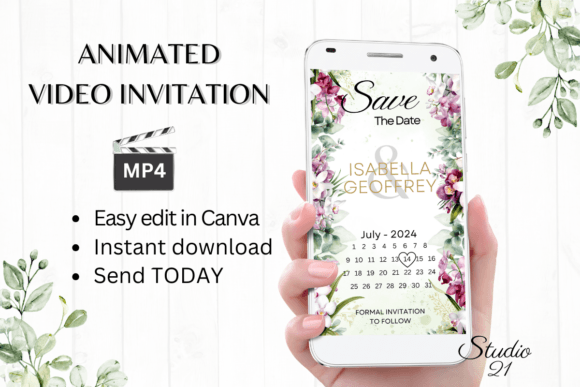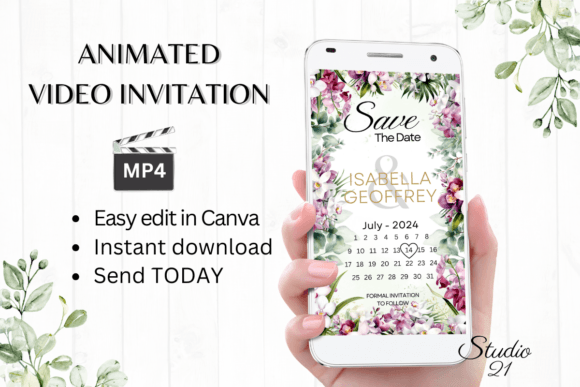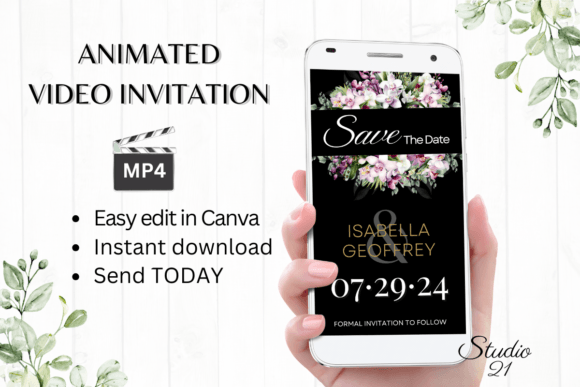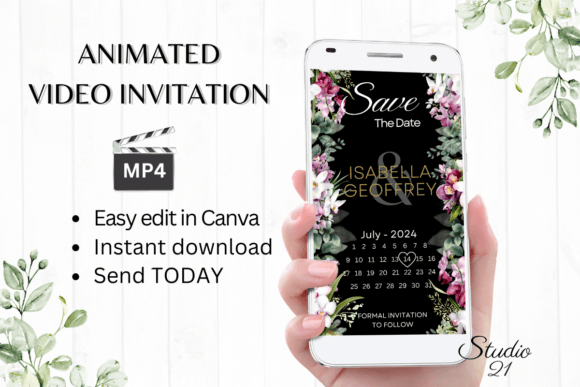
Digital Save the Date W2144B: Instant Animated Invitations
When you're planning an event, the invitation sets the tone. It’s the first glimpse your guests get of what to expect, whether it's a sleek corporate launch, a cozy backyard wedding, or a milestone birthday bash. But traditional paper invites come with a cost—both in money and time. Designing, printing, and mailing them is a process. Digital Save the Date W2144B offers a modern, practical solution. It’s not just a static image; it’s a dynamic, animated video template that you can download, edit, and send within minutes, directly from your computer or mobile device.
A Template Designed for Speed and Style
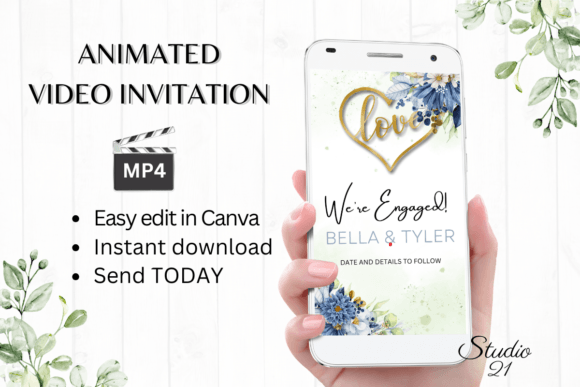
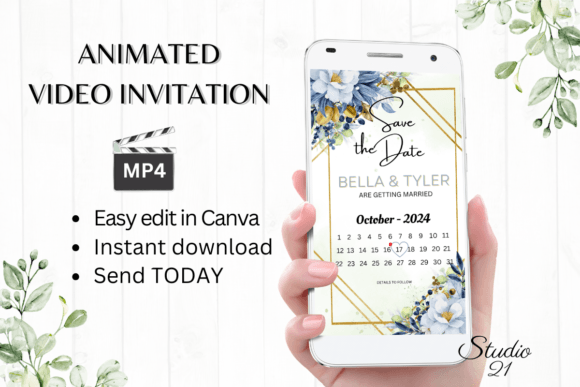
The core appeal of this digital invitation is its blend of professional design and user-friendly editing. The template is built in Canva, a platform many people already know. This means there’s no steep learning curve, no need to download special software or fonts, and no waiting for a designer to send proofs. You get immediate access to start personalizing. The visual style of Digital Save the Date W2144B is clean and contemporary, with a focus on elegant typography and smooth animations that feel premium without being overwhelming. It’s designed to look polished on any screen, from a smartphone to a desktop monitor.
The animation styles are subtle but effective—think text that gracefully fades in or elements that slide into place. This kind of motion captures attention far better than a static PDF ever could. It makes the invitation feel like an experience, not just an announcement. For entrepreneurs and small business owners, this level of professionalism can significantly impact how your event is perceived. It signals that you value quality and attention to detail, which reflects directly on your brand identity.
Where This Digital Template Excels
While it’s labeled a "Save the Date," the Digital Save the Date W2144B template is versatile enough for a range of announcements. Its clean design works well for product launches, webinar invitations, grand opening announcements, or even a special holiday greeting from your business. For personal use, it’s perfect for weddings, engagements, baby showers, and milestone birthdays. The key is its adaptability; by changing the text, colors, and animation style, you can completely shift its personality to match your event’s vibe.
The practicality here is a major advantage for content creators and marketers. Instead of commissioning a custom animation for every campaign or event, you have a reusable asset. The template’s structure ensures visual hierarchy is maintained—important information like the date, time, and location will always be clear. This is crucial for readability, especially when your audience is viewing the invite on a small mobile screen. The design guides the eye naturally, which is a hallmark of good modern typography applied to digital formats.
Practical Editing and Sharing Made Simple
Once you open the template in Canva, the editing options are straightforward. You can personalize all text, change font styles, colors, and sizes, and even adjust text effects. If the included animation doesn’t feel quite right, you can change the animation styles to better suit your taste. This level of control allows you to create something that feels uniquely yours without needing advanced design skills. You’re working with a solid foundation, not starting from a blank canvas.
After you’ve perfected your design, sharing it is just as easy. You can download your personalized invitation as an MP4 file. This video format is universally shareable via text message, Messenger, iMessage, WhatsApp, and other messaging services. For a more formal approach, Canva also generates a shareable link, which you can include in an email. This flexibility is a huge benefit for reaching guests across different platforms and preferences. The included user guide provides clear, step-by-step instructions for both editing and sharing, ensuring you’re never left guessing.
Choosing and Evaluating This Template for Your Project
Before diving in, it’s worth considering if this style aligns with your event’s personality. The Digital Save the Date W2144B template leans towards a sophisticated, modern aesthetic. If your event is ultra-casual or has a very rustic theme, you might need to make significant color and font changes to achieve the right feel. Test out a few edits first. Swap the default font for a handwritten script font if you want a warmer tone, or choose a bold sans serif font for a more corporate, impactful look. The template is your starting point.
Think about your audience. Will they appreciate a video invitation? In most digital-first contexts, the answer is yes. It’s engaging and easy to consume. For an older demographic less comfortable with technology, you might also create a simple static image version to send as a backup. The beauty of the Canva file is that you can create both from the same source. Remember, the final product is a digital download—no physical item is shipped. This also means colors may appear slightly different depending on the device your guest uses, a common consideration in all digital design.
Ultimately, tools like this empower you to take control of your visual communication. They bridge the gap between needing high-quality design assets and having the budget or time for custom work. Digital Save the Date W2144B is a practical creative font solution that delivers immediate value, helping you make a polished, professional impression right from the start.